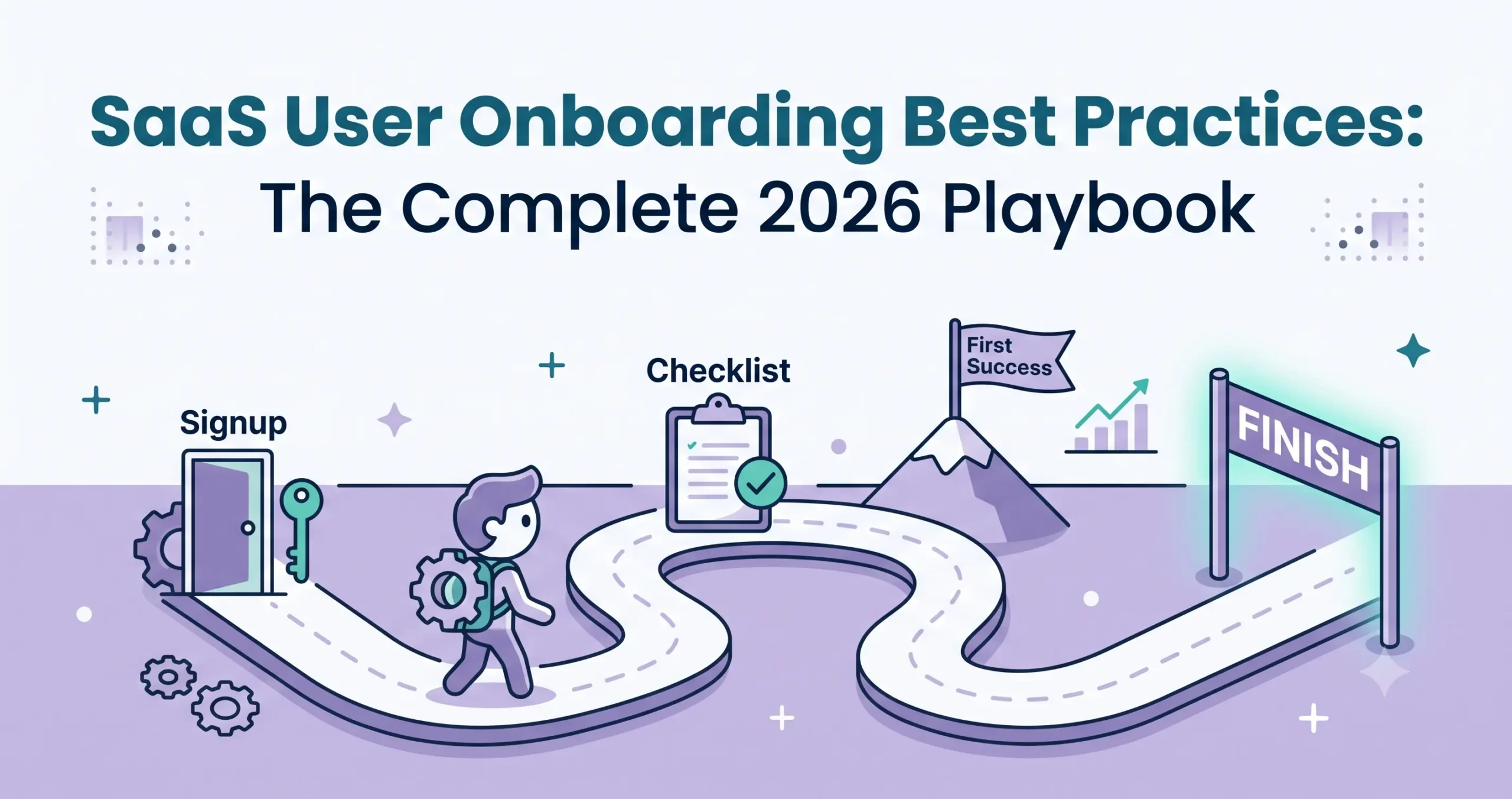
SaaS User Onboarding Best Practices: The Complete 2026 Playbook
If there is a silent killer of SaaS growth in 2026, it is poor user onboarding. You can build the most innovative product, scale an exceptional marketing engine, and fill your funnel with thousands of trials, but if users do not understand how to extract value from your software within the first few minutes, they will churn. It is that simple.
User onboarding is the single highest-leverage growth lever in SaaS. It sits precisely at the intersection of product, customer success, and revenue. A minor tweak in your welcome flow or a reduction in time-to-value (TTV) can compound into massive gains in your activation rate, user retention, and ultimately, your Monthly Recurring Revenue (MRR).
Welcome to the definitive SaaS User Onboarding Best Practices: The Complete 2026 Playbook by NudgeSaaS. Whether you are a technical founder trying to stop the trial-to-paid bleed, or a product manager looking to refine your onboarding UX, this playbook outlines exactly what you need to convert signups into lifelong product evangelists.
What Does SaaS Onboarding Actually Mean?
Historically, SaaS companies viewed onboarding as a simple feature tour—a mandatory clicking exercise where users were forced to click “Next” on five pop-ups pointing out various navigation menus. In 2026, that definition is obsolete.
Modern SaaS user onboarding is a continuous, holistic strategy designed to guide users from their initial interaction with your brand to the point where your product becomes a non-negotiable part of their daily workflow.
It is a combination of UX design, psychology, and customer education that encompasses:
- Frictionless Signups: Reducing cognitive load before the user even enters the product.
- Welcome Flows: Tailoring the initial greeting and data collection to segment users.
- Onboarding Checklists: Giving users a clear, gamified path to success.
- Contextual Guidance: Serving tooltips and hints only when the user needs them, rather than all at once.
- Lifecycle Emails: Reinforcing in-app behavior with triggered, milestone-based emails.
- Customer Success Touchpoints: Knowing when to blend automated product-led growth (PLG) with human-led sales and support.
It isn’t just about showing users how to use the software; it’s about proving why they should keep using it.
The 3 Layers of SaaS Onboarding
To build an effective onboarding sequence, you must understand that the journey happens in three distinct phases. Treating them as one monolithic event is a recipe for user overwhelm.
1. Initial Setup (The “Getting Started” Phase)
This is the logistical layer. The user has just signed up and needs to cross a few technical hurdles before they can use the product. This might involve integrating an API, inviting team members, importing data via CSV, or connecting a Google calendar. The goal here is speed and minimal friction.
2. User Activation (The “Aha!” Moment)
Activation is the emotional core of onboarding. This is the exact moment a user experiences the core value of your product for the first time. For Zoom, it’s hosting a flawless first meeting. For Slack, it’s sending the first message to a teammate. For an email marketing tool, it’s seeing the first campaign hit an inbox. Until a user reaches this activation point, they are extremely likely to churn.
3. Habit Formation (The Retention Phase)
Once a user is activated, onboarding isn’t over. Habit formation focuses on secondary feature adoption and continuous education. If a user only ever uses 10% of your software, they are still a flight risk to competitors. This layer uses contextual nudges and lifecycle emails to teach advanced workflows, ensuring the product becomes entrenched in their daily routine.
10 Actionable SaaS User Onboarding Best Practices for 2026
Stop guessing what works. Here are the 10 most effective onboarding tactics you can implement today to dramatically improve user activation.
1. Reduce Signup Friction (But Keep the Right Friction)
Every extra form field in your signup flow reduces conversion. Eliminate requests for phone numbers, company sizes, or job titles unless that data is actively used to personalize the very next screen. Use single sign-on (SSO) options like Google or GitHub to make account creation a one-click process.
Pro Tip: “Good friction” exists. Asking a user 2-3 brief questions to customize their template or dashboard is acceptable because the friction pays off immediately with a better UX.
2. Focus Ruthlessly on a Single “Aha!” Moment
Do not try to show the user everything your product does. Identify the one action that correlates highest with long-term retention.
- If you are an invoicing software: The goal is sending the first invoice.
- If you are a design tool: The goal is exporting the first graphic. Design your entire onboarding flow as a funnel pointing directly at that single action. Remove all navigational distractions until it is complete.
3. Personalize Paths by User Role
A CMO logging into your analytics platform has completely different goals than a junior data analyst. Treat them differently. Use a welcome modal to ask the user to identify their role or primary goal (“What are you hoping to achieve today?”). Based on their answer, dynamically route them to a customized dashboard or trigger a tailored onboarding checklist.
4. Embrace Progressive Disclosure
Progressive disclosure is a UX technique where you only reveal information and features as the user needs them. Instead of presenting a dashboard packed with 50 complex buttons, hide advanced features behind collapsible menus or “Advanced Settings” tabs. Show the basics first, let the user master them, and gradually introduce complexity as they demonstrate proficiency.
5. Contextual Tooltips > Full Product Tours
Long product tours are the enemy of user activation. When you force a user to click through an 8-step modal tour, they aren’t reading; they are aggressively clicking “Next” to make it disappear.
Instead, use contextual tooltips. If a user navigates to the “Reports” tab for the very first time, trigger a single, helpful tooltip explaining how to generate a report. Teach them in the context of what they are already trying to do.
6. Utilize Onboarding Checklists for Momentum
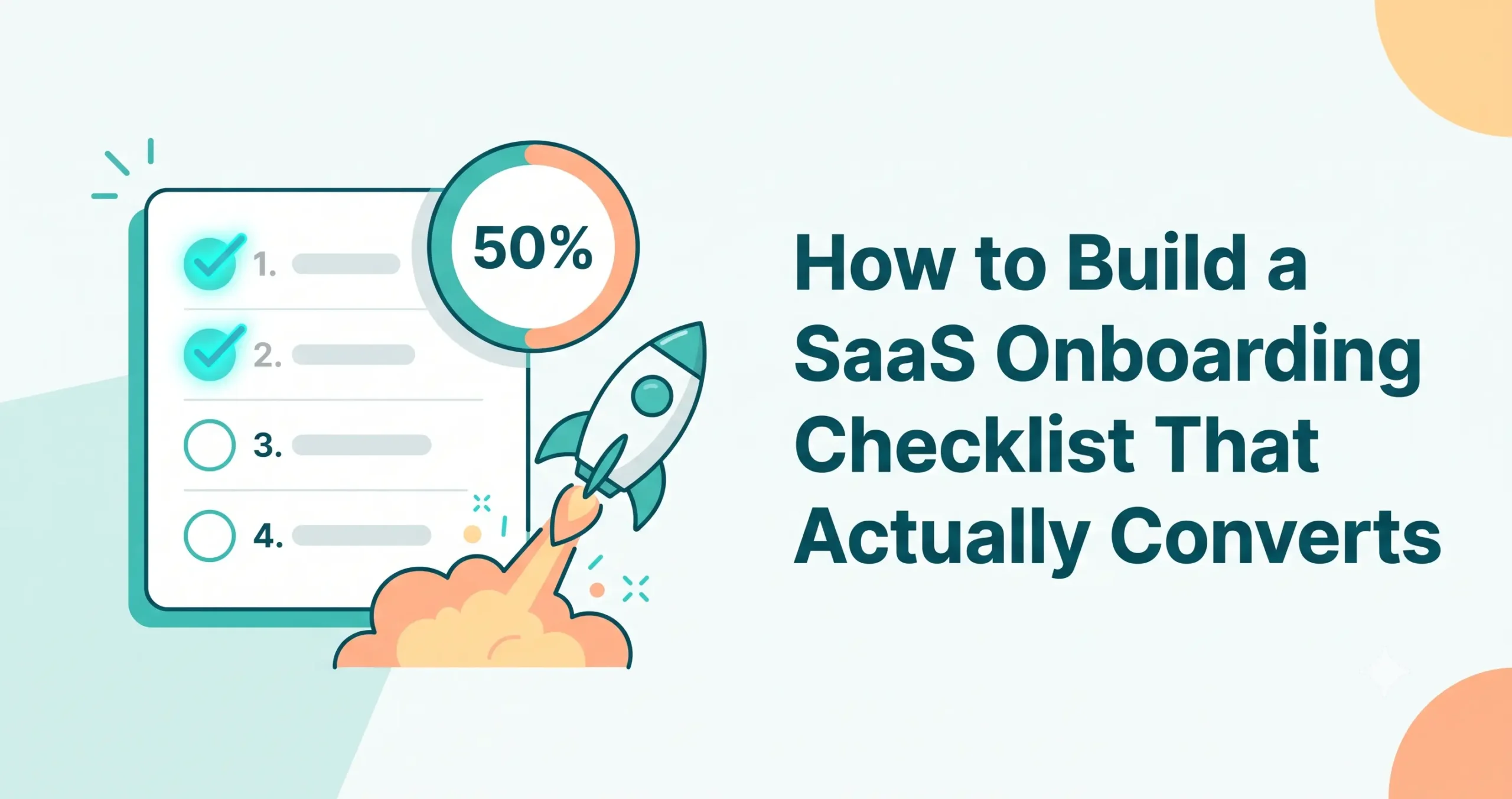
Humans are psychologically hardwired to complete unfinished tasks (the Zeigarnik effect). Leverage this by adding an onboarding checklist to the user’s dashboard.
- Keep it to 3-5 high-impact items.
- Start them off with a “freebie” (e.g., cross off “Create Account” by default so they already have momentum).
- Include a visible progress bar (e.g., “You are 25% of the way there!”).
7. Celebrate Micro-Wins
When a user completes their first major task, celebrate it! A simple confetti animation, a pop-up saying “Great job!”, or an immediate email acknowledging their milestone triggers a dopamine release. SaaS can be dry; injecting a bit of joy and validation goes a long way in building brand affinity.
8. Offer Empty States That Educate
When a user opens a brand new SaaS account, it is devoid of data. A blank “Projects” page is intimidating. Never leave an empty state completely blank. Use that prime real estate to:
- Explain what belongs there.
- Provide a clear Call to Action (CTA) button (e.g., “Create Your First Project”).
- Offer dummy data or templates so they can see what the page should look like when populated.
9. Align Lifecycle Emails with In-App Actions
Your welcome sequence should not be a static drip campaign that fires on Days 1, 3, 5, and 7 regardless of what the user does. Behavior-triggered emails are much more effective.
- If a user completes the core action on Day 1, send them an email on Day 2 introducing an advanced feature.
- If they stall and haven’t logged in for 3 days, send a re-engagement email offering help or a link to a tutorial video.
10. Provide Self-Serve Support Everywhere
No matter how intuitive your UX is, users will get stuck. Do not make them hunt for a help document. Embed a persistent help widget in the bottom corner of the screen. Pre-load this widget with relevant articles based on the specific page the user is viewing.
How to Measure Onboarding Success
You cannot optimize what you do not measure. To know if your playbook is working, track these four critical onboarding KPIs:
1. Time-to-Value (TTV)
This measures how long it takes a user to reach their “Aha!” moment after signing up. The shorter the TTV, the higher your retention rate will be. Measure this in minutes or hours, not days.
- Optimization metric: Aim to reduce TTV by 20% quarter-over-quarter through UX improvements.
2. Activation Rate
This is the percentage of new signups who complete your designated core action.
- Formula: (Users who reached the Aha! moment / Total new signups) x 100.
3. Feature Adoption Rate
Tracking feature adoption helps you understand the Habit Formation layer. Are users engaging with secondary features, or just doing the bare minimum? Measure how many users interact with specific tools beyond your core offering within their first 30 days.
4. Drop-off Points (Funnel Abandonment)
Use product analytics to build an onboarding funnel. Where are users abandoning the process? If 80% of users drop off at the “Integrate your calendar” step, you know exactly where your friction lies. Fix that specific step rather than overhauling the whole product.
Common Onboarding Mistakes That Kill Retention
Even well-intentioned teams fall into these traps. Audit your flow to ensure you aren’t making these critical errors:
- The “Frankenstein” Flow: Your product evolved, and different teams added modals, banners, and pop-ups over the years. Now, new users are bombarded with 6 different pop-ups on their first login. Fix: Audit your flow quarterly and ruthlessly delete redundant prompts.
- Forcing the Tour: Not allowing a user to “skip” an onboarding tutorial. High-intent users just want to explore. Forcing them to follow your rigid path causes immense frustration.
- Feature Vomit: Trying to explain 15 different features in the first session. You overwhelm the user’s working memory. Focus on the core value only.
- Ghosting the User: The user signs up, lands in the dashboard, and… nothing. No direction, no checklist, no next steps.
A Sample Onboarding Flow Template
Ready to build? Adapt this 5-step template for your own product:
- The Welcome Modal (Minute 1):
- Headline: Welcome to [Product Name]!
- Question: What is your primary goal today? (Offer 3 choices).
- Action: Dynamically direct them based on their choice.
- The Core Setup (Minute 2-5):
- Remove all navigation bars.
- Walk them through the 1-2 mandatory technical steps (e.g., connect database, upload logo) using a clean, wizard-style interface.
- The “Aha!” Action (Minute 6-10):
- Use a pulsing hotspot to draw their attention to the primary CTA (e.g., “Create Campaign”).
- Provide pre-filled templates to make execution effortless.
- The Celebration (Minute 10):
- When the action is completed, trigger an in-app success message.
- Simultaneously send a “Congratulations” email from the founder.
- The Checklist (Days 2-14):
- Reveal the full dashboard.
- Display a 4-step checklist in the bottom right corner to guide them toward secondary features.
Tools to Power Your Onboarding Playbook
You don’t need to hardcode your onboarding UX from scratch. The SaaS ecosystem is full of tools designed to build these flows without draining engineering resources.
- Digital Adoption Platforms (DAPs): Tools like Userpilot, Appcues, and Pendo allow product teams to build interactive product tours, checklists, and contextual tooltips without writing code. They sit as a layer on top of your software.
- In-App Messaging: Intercom and Drift are excellent for serving chat-based onboarding assistance and contextual product announcements right inside the dashboard.
- Product Analytics: Amplitude, Mixpanel, and PostHog are non-negotiable for tracking drop-off points, measuring TTV, and calculating your activation rate.
- Lifecycle Email Platforms: Customer.io and Userflow integrate seamlessly with your product data to send highly targeted, behavior-based onboarding emails.
Frequently Asked Questions (FAQs)
1. How long should an onboarding checklist be?
Keep it brief. The optimal length is 3 to 5 steps. If your software requires more steps for setup, group them into broader categories or utilize progressive disclosure to introduce a second checklist only after the first is completed.
2. What is a good user activation rate for SaaS?
While it varies wildly by industry and complexity, a general benchmark for B2B SaaS is an activation rate between 25% and 40%. Best-in-class PLG (Product-Led Growth) companies can see activation rates pushing past 60%.
3. Should we require a credit card upfront for a free trial?
If your primary goal is maximizing top-of-funnel signups and optimizing onboarding, no. Requiring a credit card creates massive friction and drops conversion rates significantly. Let them experience the “Aha!” moment first, then ask for payment when the trial expires.
4. Who owns SaaS onboarding: Product, CS, or Marketing?
It is a cross-functional effort. Marketing owns the messaging that sets expectations before signup. Product owns the in-app UX, frictionless UI, and activation flow. Customer Success owns the human-touch elements, high-tier onboarding calls, and long-term retention.
5. Are video tutorials effective in SaaS onboarding?
Yes, but keep them incredibly short. Users do not want to watch a 10-minute overview before using the product. Embed micro-videos (15 to 45 seconds long) directly next to complex features so users can learn visually precisely when they need the help.