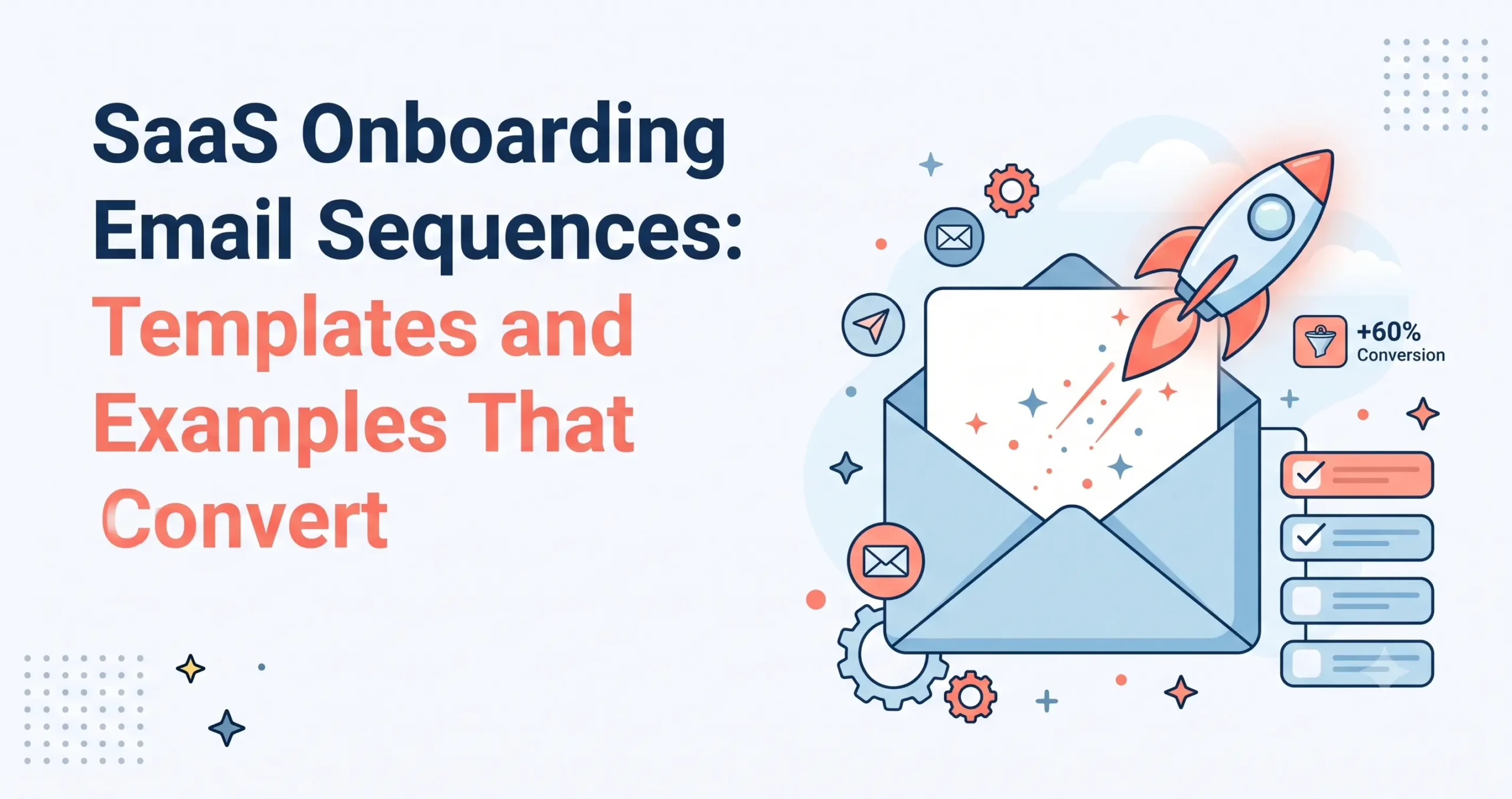
SaaS Onboarding Email Sequences: Templates and Examples That Convert
You’ve built an incredible SaaS product, optimized your landing pages, and successfully convinced users to sign up for a free trial. But what happens next? The reality of the software industry is that a significant portion of users will log in once, look around, log out, and never return.
This is where a strategically designed SaaS onboarding email sequence becomes your most valuable asset.
At NudgeSaaS, we talk a lot about the power of in-app nudges to guide user behavior. In-app messaging is unbeatable for context-specific, real-time guidance while the user is actively using your software. However, in-app nudges have a critical limitation: they only work if the user is actually inside the app. Email is the bridge. Email reaches users outside the product, cuts through the noise of their inbox, reminds them of the value they sought when they signed up, and pulls them back into your ecosystem.
In this comprehensive guide, we will break down the anatomy of a high-converting onboarding flow, provide a complete 7-email template you can adapt today, and explore the advanced tactics that turn trial users into lifelong customers.
The Anatomy of a High-Converting Onboarding Email Sequence
A successful SaaS onboarding email sequence isn’t just a random collection of feature announcements. It is a carefully choreographed psychological journey. The goal is to move the user from initial curiosity to habitual use, and finally, to a paid conversion.
To achieve this, every high-converting sequence relies on a core set of structural elements.
1. The Welcome and The “Aha!” Moment
The welcome email sets the tone. It should be delivered instantly and have a single, unified goal: getting the user to experience your product’s core value—the “Aha!” moment—as quickly as possible. It should strip away all friction and point directly to the first meaningful action they need to take.
2. The Quick-Win Nudge
Users need to feel momentum. The quick-win email focuses on a small, easily achievable task that delivers immediate satisfaction. Whether it’s importing a contact list, installing a tracking pixel, or setting up a profile, this email celebrates progress and builds confidence.
3. Feature Education (Tied to Value)
Instead of overwhelming the user with a manual of every feature, high-converting sequences introduce features gradually. More importantly, they translate those features into tangible benefits. They don’t say, “Here is our reporting dashboard.” They say, “Here is how you can find out which campaigns are wasting your budget.”
4. Social Proof and Trust Building
Doubt naturally creeps in during a trial period. Social proof emails counteract this by showcasing case studies, user testimonials, or impressive data points. Seeing that similar companies have achieved success with your tool provides the psychological safety needed to commit.
5. The Human Check-In
Automation is efficient, but people buy from people. A text-only, plain-formatted check-in email from a founder, customer success manager, or support agent breaks the corporate veil. It asks a simple question: “How can I help?” This often generates the most replies and uncovers hidden friction points.
6. The Upgrade Prompt
Once the user has experienced the value of the platform, it is time to make the ask. The upgrade prompt introduces the limitations of the free tier or the impending end of the trial, juxtaposed against the massive ROI of the paid plan. It creates urgency and provides a frictionless path to purchase.
A Full 7-Email Sequence Template
Below is a complete, 7-email SaaS onboarding email sequence. You can take these templates, swap in your brand’s specific details using the bracketed placeholders, and deploy them to your new users.
Email 1: The Welcome & First Action
Send Time: Immediately upon signup
Subject Line: Welcome to [Product Name]! Let’s get your first [Core Outcome]
Body Copy:
Hi [First Name],
Welcome to [Product Name]! We are thrilled to have you on board.
You signed up because you want to [mention the main pain point your software solves, e.g., cut your customer support response times in half]. We are here to make that happen.
To get you there, the very first step is to [Core Action, e.g., connect your primary support email inbox]. It takes less than two minutes, and it sets the foundation for everything else.
[Button: Do Core Action Now]
If you get stuck, reply directly to this email or check out our quick-start guide [Link].
Cheers,
[Your Name/Founder Name]
Email 2: The Quick Win
Send Time: Day 2
Subject Line: A quick tip for [Benefit/Goal]
Body Copy:
Hi [First Name],
One of the things our most successful users do on their first day is [Secondary Action, e.g., set up one automated response rule].
Doing this early means you immediately stop wasting time on [Manual Task].
Here’s a quick 30-second video showing you exactly how to do it:
[Link to Video/GIF]
Try setting up your first [Feature] right now and let the system do the heavy lifting for you.
[Button: Set Up Your First Feature]
Best,
The [Product Name] Team
Email 3: The Deep Dive / Feature Education
Send Time: Day 4
Subject Line: How to unlock [Advanced Benefit] with [Product Name]
Body Copy:
Hi [First Name],
Now that you have the basics down, I want to show you how to unlock one of our most powerful features: [Feature Name].
Most people struggle with [Industry Problem]. But with [Feature Name], you can seamlessly [Explain the benefit, not just the function].
Here is how it works:
- Go to your dashboard and click [Tab].
- Select [Option].
- Watch as it automatically [Result].
Ready to see it in action?
[Button: Try Feature Name]
Email 4: Social Proof & Case Study
Send Time: Day 6
Subject Line: How [Well-Known Client/Persona] achieved [Impressive Metric]
Body Copy:
Hi [First Name],
When [Client Name] first started using [Product Name], they were struggling with [Pain Point].
By switching their workflow to our platform, they didn’t just fix the problem—they achieved [Impressive Metric/Result] in just [Timeframe].
“Quote from the client about how easy and impactful the software is.” – [Client Name, Title]
You have access to the exact same tools they used. If you’re curious about how they built their workflow, you can read the full breakdown here:
[Button: Read the Case Study]
Let’s get you similar results.
Email 5: The Human Check-In
Send Time: Day 8
Subject Line: Quick question about your trial
Body Copy: (Note: Send this as plain text, no heavy HTML formatting)
Hi [First Name],
I’m [Your Name], and I lead customer success here at [Product Name].
I noticed you’ve been exploring the platform for a few days now, and I wanted to personally reach out. Are you finding everything you need?
Often, setting up a new workflow can feel a bit overwhelming, so if you are stuck on anything—or if you just want to know if [Product Name] can handle a specific use case you have in mind—just reply directly to this email.
I’m here to help you get the most out of your trial.
Talk soon,
[Your Name]
Email 6: The Urgency / Trial Expiration Warning
Send Time: Day 12 (assuming a 14-day trial)
Subject Line: Action Required: Your [Product Name] trial is ending soon
Body Copy:
Hi [First Name],
I hope you’ve enjoyed exploring [Product Name]! Your free trial is scheduled to expire in just 48 hours.
Once the trial ends, you will lose access to [Premium Feature 1], [Premium Feature 2], and your saved data will be paused.
If you are ready to continue streamlining your [Core Workflow] without interruption, you can easily upgrade to our Pro plan today. It only takes a minute to secure your account.
[Button: Upgrade My Account]
Need more time? Reply to this email and let us know. We can extend your trial so you can properly evaluate the platform.
Email 7: The Final Pitch & Transition
Send Time: Day 14 (Trial Expiry Day)
Subject Line: Your trial has expired (Here’s what’s next)
Body Copy:
Hi [First Name],
Your free trial of [Product Name] has officially expired.
We’d love to keep helping you [Core Value Proposition], but your premium features are currently locked.
To unlock your account and regain full access, simply choose the plan that best fits your team’s size:
[Button: View Pricing & Upgrade]
Not ready to upgrade right now?
No hard feelings! You will still be subscribed to our newsletter where we share weekly tips on [Industry Topic]. You can also log back in at any time in the future to upgrade and pick up right where you left off.
Thank you for giving [Product Name] a try!
Behavior-Triggered vs. Time-Triggered Emails
When building your SaaS onboarding email sequence, you have two primary methods for deploying messages: time-based triggers and behavior-based triggers. The best onboarding flows use a hybrid of both.
| Trigger Type | How It Works | When to Use It |
| Time-Triggered | Emails are sent based on the clock (e.g., Day 1, Day 3, Day 14). | Best for linear narratives: Welcome emails, trial expiration warnings, generic case studies, and the human check-in email. |
| Behavior-Triggered | Emails are sent based on what the user does or doesn’t do in the app. | Best for nudging specific actions: “You completed Step A, but forgot Step B,” celebrating milestones, or rescuing inactive users. |
When to Use Time-Triggered Emails
Time-triggered emails act as a safety net. They ensure that every user receives a baseline level of education and communication, regardless of their activity level. If a user signs up and never logs in again, time-triggered emails (like Day 3: “Did you get lost?” or Day 7: “Here is a case study”) are your only way to pull them back.
When to Use Behavior-Triggered Emails
Behavior-triggered emails are highly contextual and therefore convert at a much higher rate.
- The Activation Nudge: If a user connects their bank account but doesn’t run a financial report within 24 hours, send a behavior-triggered email guiding them to the reporting tab.
- The Milestone Celebration: If a user hits 1,000 subscribers on your platform, trigger a celebratory email offering a pro-tip for managing larger lists.
- The Feature Discovery: If a user frequently uses the export tool, trigger an email introducing your API integration feature, showing them a better way to route their data.
Personalization Tactics Based on Role or Use Case
The “one-size-fits-all” SaaS onboarding email sequence is dead. If you are sending the exact same emails to a frontline employee as you are to a C-suite executive, you are leaving money on the table. Personalization goes far beyond simply using a [First Name] tag; it requires segmenting your audience based on their goals.
1. Role-Based Personalization
During signup, ask the user to identify their role (e.g., “I am an Admin,” “I am a Contributor,” “I am an Executive”).
- Admins: Need emails focused on setup, user provisioning, security, and integrations.
- Contributors: Need emails focused on daily workflows, time-saving shortcuts, and UI navigation.
- Executives: Need emails focused on high-level reporting, ROI, and dashboard summaries.
2. Jobs-to-be-Done (Use Case) Personalization
Why did they hire your software? If you run a design tool, one user might want to design social media graphics, while another wants to build UI prototypes. Trigger your email sequences based on their stated goal. The social media manager should receive templates for Instagram, while the UI designer receives tutorials on wireframing.
3. Company Size
An enterprise user evaluating your software needs to know about compliance, single sign-on (SSO), and volume discounts. A solopreneur needs to know about ease of use, basic templates, and affordability. Tailor the case studies and the feature highlights in your emails to match the scale of their business.
How to Write Subject Lines That Get Opened (Without Clickbait)
Your entire onboarding sequence is useless if nobody opens the emails. However, resorting to cheap clickbait (“You won’t believe what your account can do!”) will immediately damage your brand trust and trigger spam filters.
Here is how to write compelling, honest subject lines that demand attention:
- Lead with Clarity and Value: Tell them exactly what is inside.
- Bad: Check this out!
- Good: How to cut your reporting time in half
- Leverage Curiosity (Tastefully): Create an information gap that can only be closed by opening the email.
- Bad: Open this for a surprise
- Good: The one setting most new users miss
- Use Action-Oriented Language: Start with verbs that inspire momentum.
- Bad: Your account setup
- Good: Finish setting up your dashboard in 3 minutes
- Be Conversational: Write like a human speaking to another human, especially for check-in emails. Use sentence case (capitalizing only the first letter) to make it feel less like a marketing blast.
- Bad: CUSTOMER SUCCESS INQUIRY
- Good: Quick question about your workspace
- Avoid Spam Triggers: Words like “Free,” “Urgent,” “Cash,” or excessive exclamation marks will drastically lower your deliverability rates.
Metrics to Track
To optimize your SaaS onboarding email sequence, you must ruthlessly track data. Ignore vanity metrics and focus on the numbers that actually impact your bottom line.
- Open Rate: Measures the effectiveness of your subject lines and sender reputation. Aim for 40%+ on early onboarding emails, as user intent is highest right after signup.
- Click-Through Rate (CTR): Measures the relevance of your body copy and the clarity of your Call to Action (CTA). Are users actually clicking the button to return to the app?
- Correlation with Activation Rate: This is the most crucial metric. Do users who open Email 3 (the feature deep dive) activate at a higher rate than those who don’t? If yes, Email 3 is highly effective. If not, the email is not driving meaningful product usage, even if the CTR is high.
- Free-to-Paid Conversion Rate: The ultimate goal of the sequence. Track how many users upgrade during or immediately after the 14-day flow.
- Unsubscribe Rate: A high unsubscribe rate early in the sequence indicates that your emails are either too frequent, irrelevant, or annoying.
Common Mistakes to Avoid
Even seasoned marketers make errors when building their onboarding flows. Avoid these common pitfalls to ensure your sequence operates smoothly:
1. Email Fatigue (Too Many Emails)
Bombarding a new user with an email every single day for two weeks is a surefire way to drive unsubscribes. Balance your cadence. Front-load the sequence in the first 3 days when enthusiasm is high, then space the emails out (e.g., Day 1, Day 2, Day 4, Day 7, Day 11, Day 14).
2. The Generic Blast
Failing to segment your users leads to irrelevant messaging. If a user has already completed the “Quick Win” action on their own, receiving an email two days later telling them to do it is frustrating and shows that your systems aren’t communicating. Always use suppression lists or behavior filters to prevent sending redundant instructions.
3. Missing or Competing CTAs
Every email should have ONE primary goal. Do not ask the user to read a blog post, follow you on Twitter, upgrade their account, and invite a teammate all in the same email. Focus the narrative, and provide one clear, unmissable Call to Action button.
4. Ignoring the Empty State
When your email drives a user back into the app, what do they see? If they click “View your dashboard” but their dashboard is entirely blank because they haven’t imported data yet, the momentum dies. Ensure your in-app nudges (using NudgeSaaS) pick up exactly where the email left off to guide them through the empty state.
Frequently Asked Questions
1. How long should a SaaS onboarding email sequence be?
Most standard trial sequences run between 14 to 30 days and consist of 5 to 9 emails. The exact length should match your software’s trial period and the complexity of your product. Simpler products need fewer emails; complex enterprise tools may need longer, educational sequences.
2. Should onboarding emails come from a person or the company?
A mix of both works best. Feature updates, receipts, and technical guides can come from “The [Company] Team.” However, welcome emails, check-ins, and trial expiration warnings carry much more weight when they come from a real person’s address (e.g., founder@company.com or sarah@company.com).
3. What happens after the onboarding sequence ends?
Do not let the user go cold. If they converted to a paid plan, transition them into a customer retention/success sequence (product updates, advanced webinars, referral requests). If they did not convert, transition them into a long-term nurture newsletter to keep your brand top-of-mind for when they are ready to buy.
4. Can I use plain text emails instead of highly designed HTML?
Yes, and you absolutely should test this. Highly designed HTML emails look professional, but they inherently look like marketing. Plain text emails feel like a 1-to-1 message from a colleague. Many SaaS companies find that plain text emails yield significantly higher reply and click rates, especially for check-in emails.
5. How do onboarding emails work alongside in-app nudges?
They are two halves of the same strategy. Use NudgeSaaS in-app messages to guide the user while they are actively navigating the interface (e.g., tooltips, modals, checklists). Use your email sequence to pull them back into the app when they leave, reinforce the value proposition, and share longer-form educational content like case studies.